Skip to content / 跳到正文

DCC-MCPLet AI work in creative software.

Give AI assistants that can use tools (agents) access to Maya, Blender, Houdini, Unreal Engine, Photoshop, and other applications for modeling, materials, animation, and rendering.

DCC-MCP
Public Agent SkillTyped CLIMCP + REST endpoints50+ public projects

SHOWCASE

DCC-MCP Showcase collection

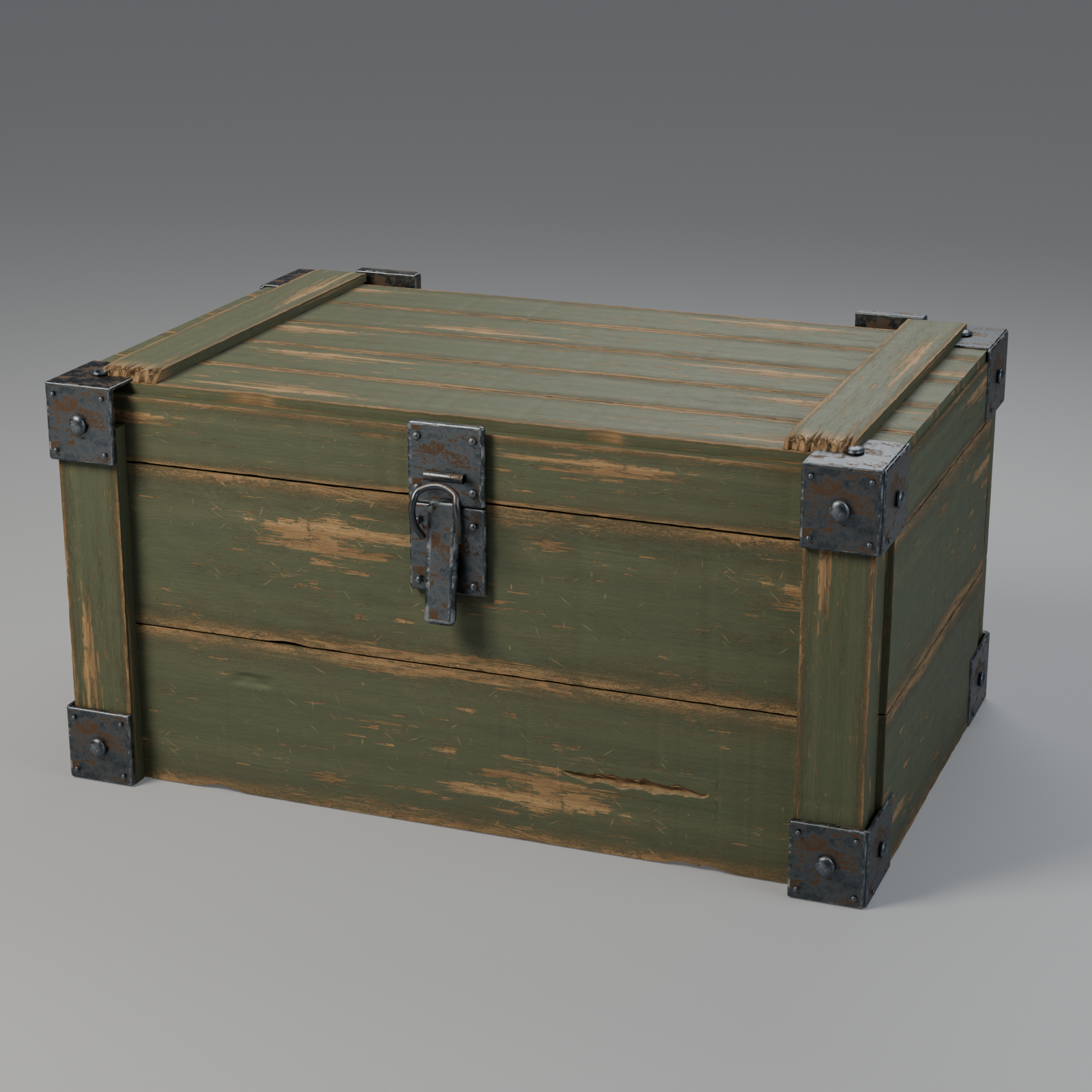
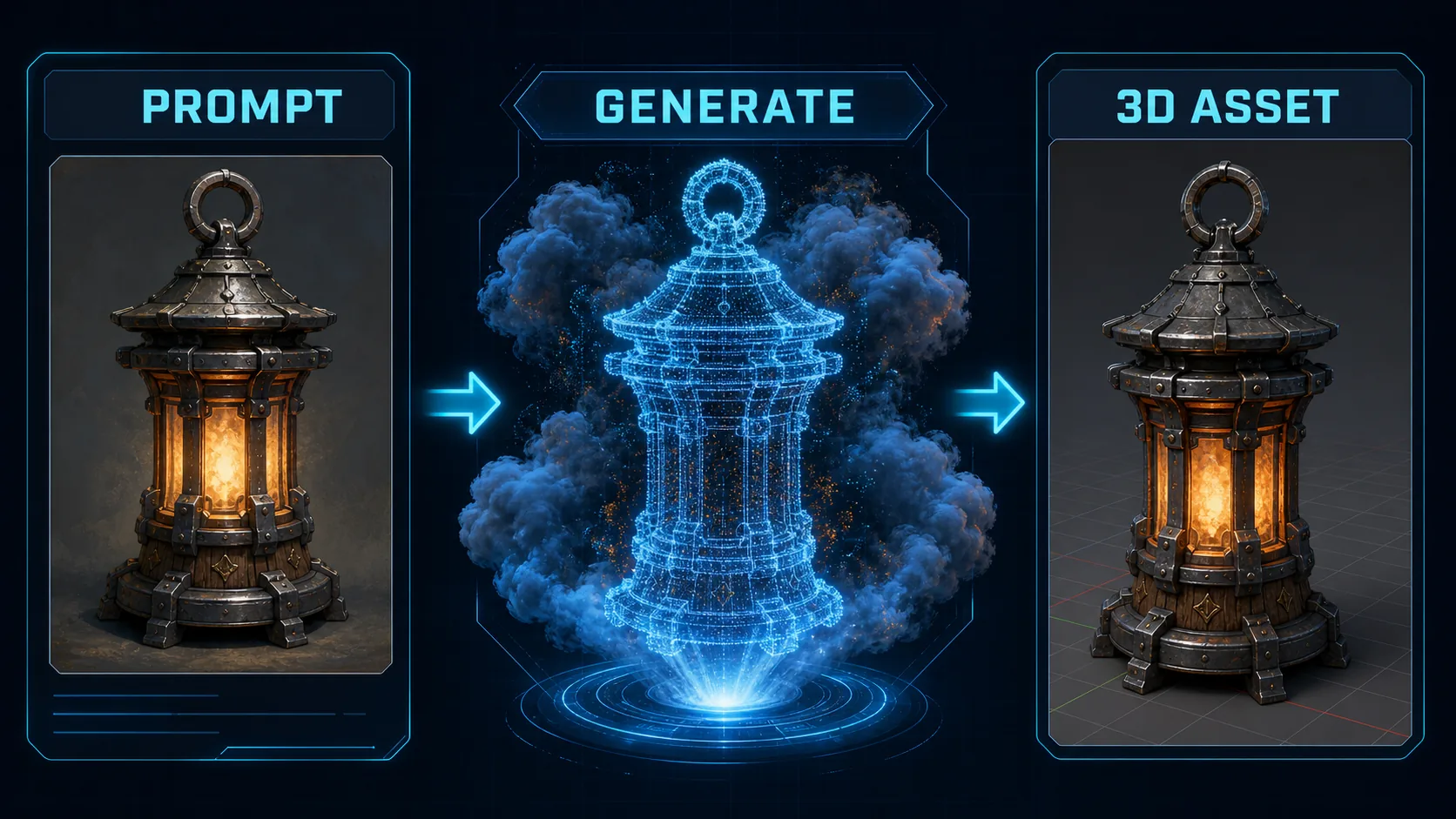
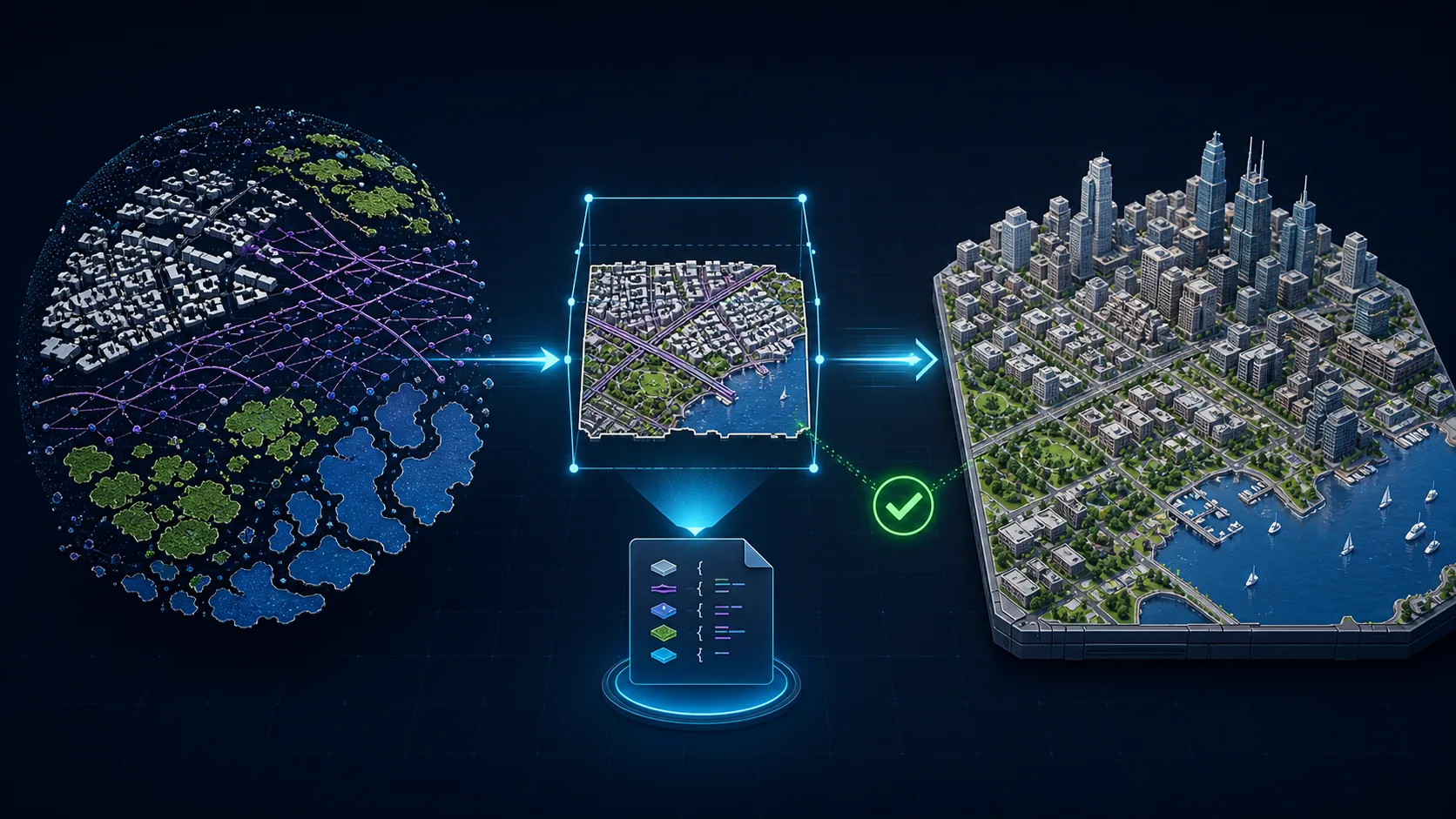
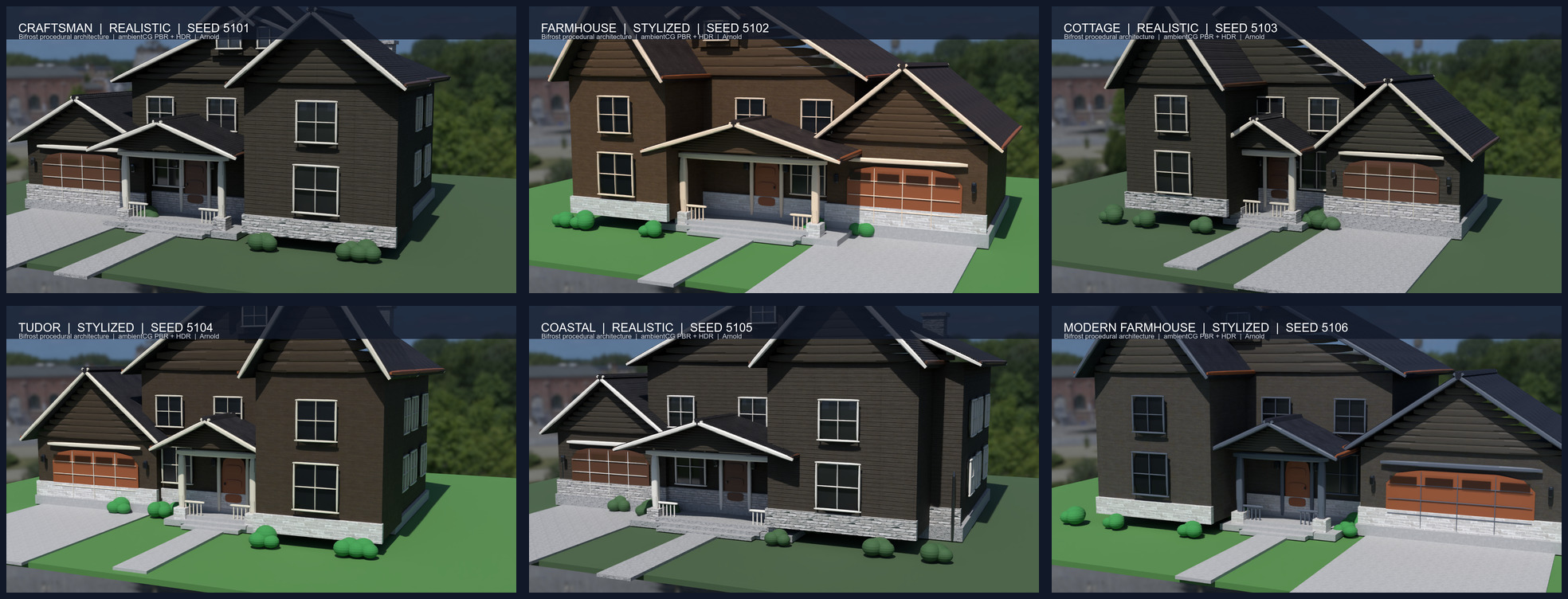
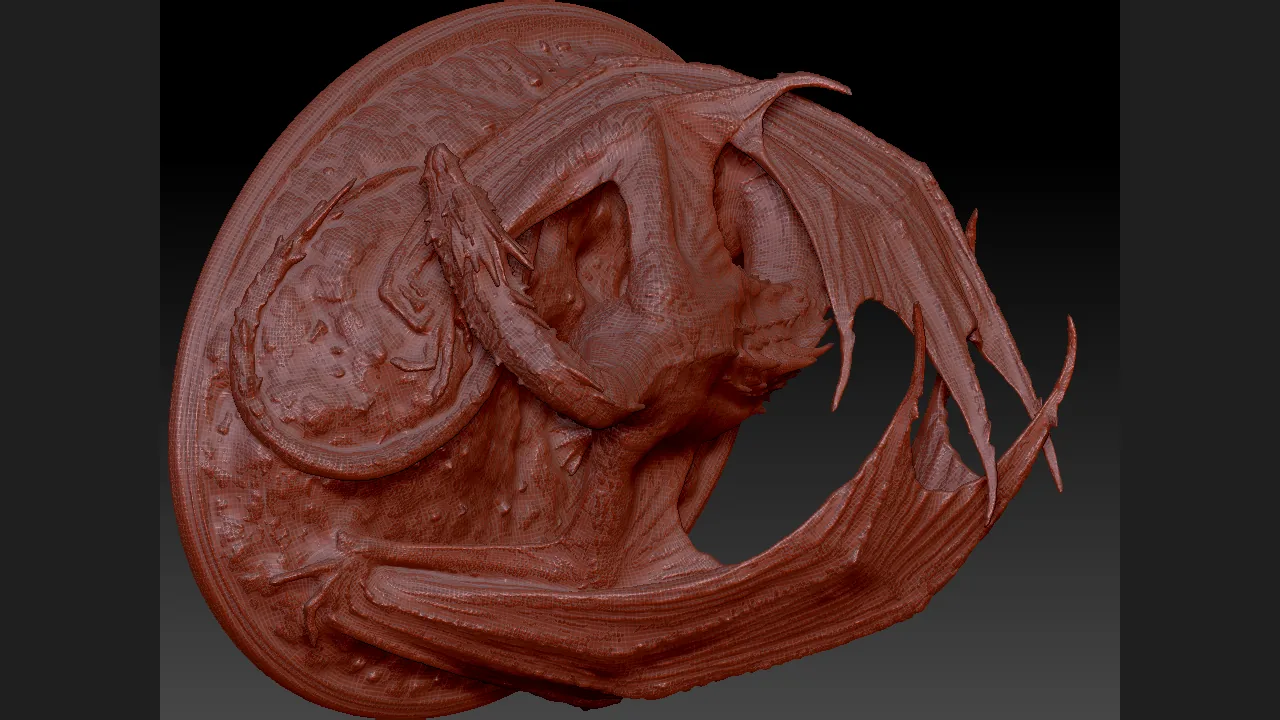
Explore the official collection: finished work, reusable prompts, tool-call evidence, source projects, and per-asset licensing. Each case states what was verified and whether it was reproduced.

Open the Showcase collection → · Browse adapter examples and prompts

SEE WHAT IT DOES

AI that works inside creative tools.

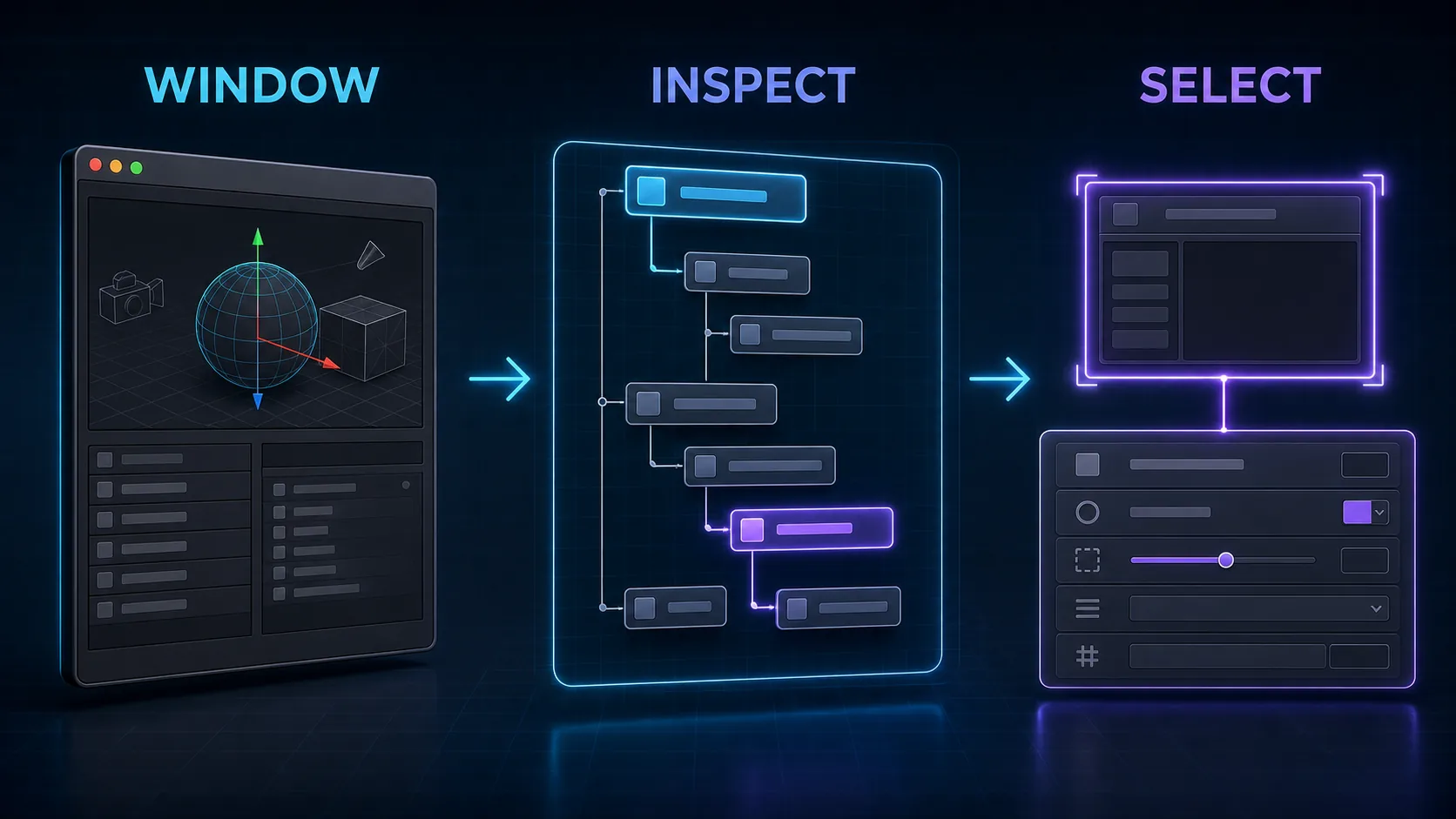
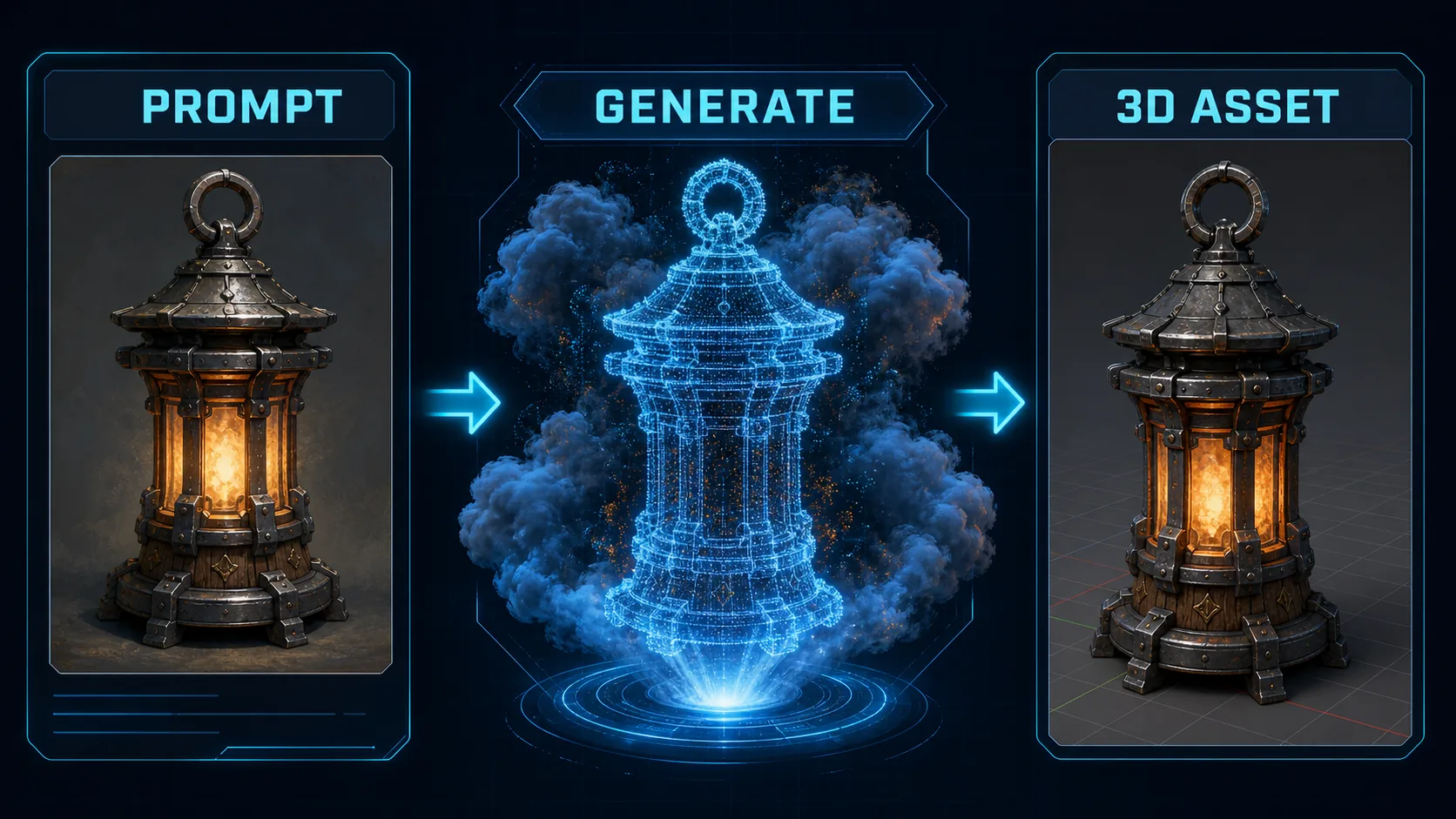
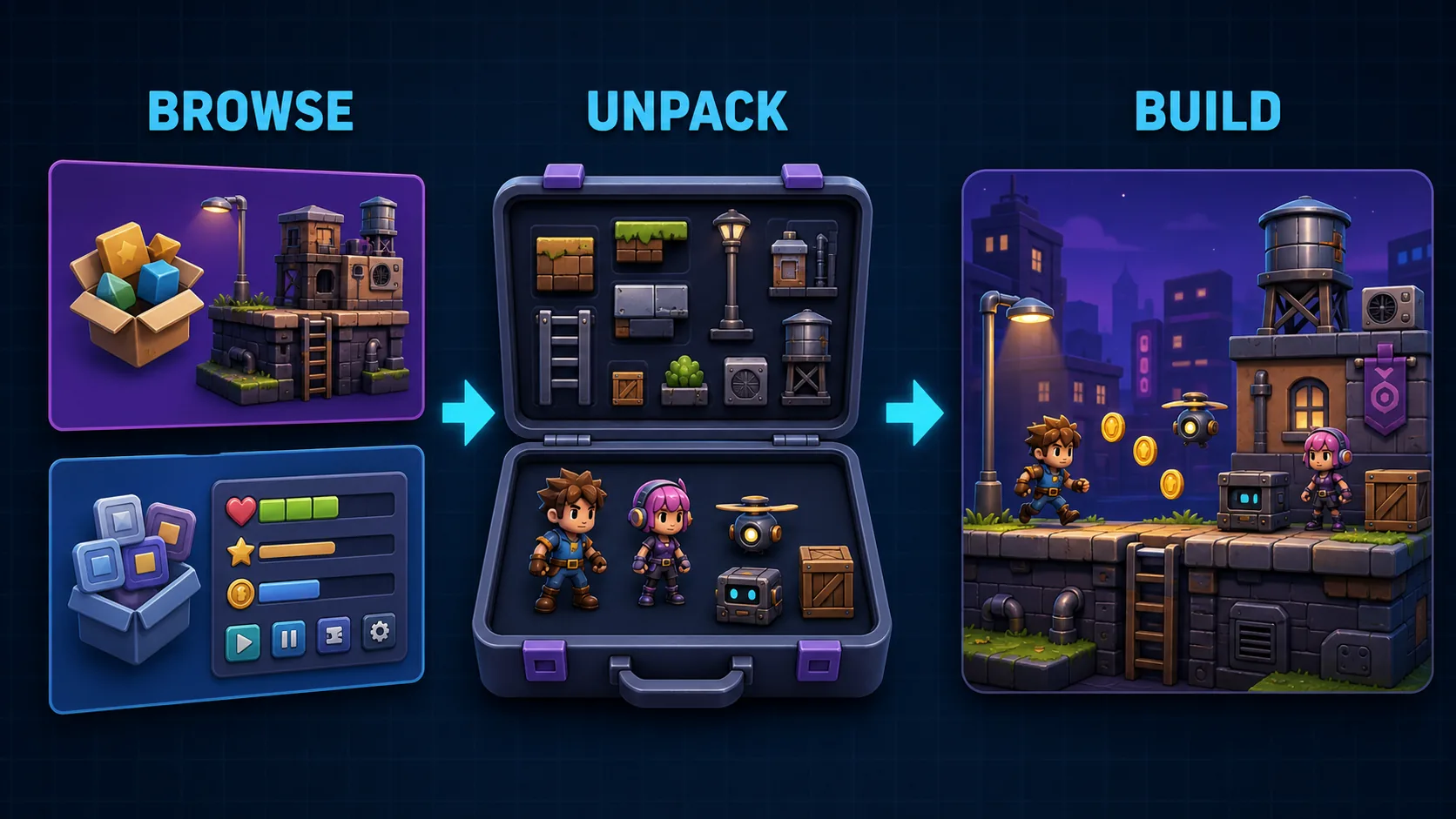
Start with a model-editing request. See how DCC-MCP connects your AI assistant to software tools and reusable team workflows.

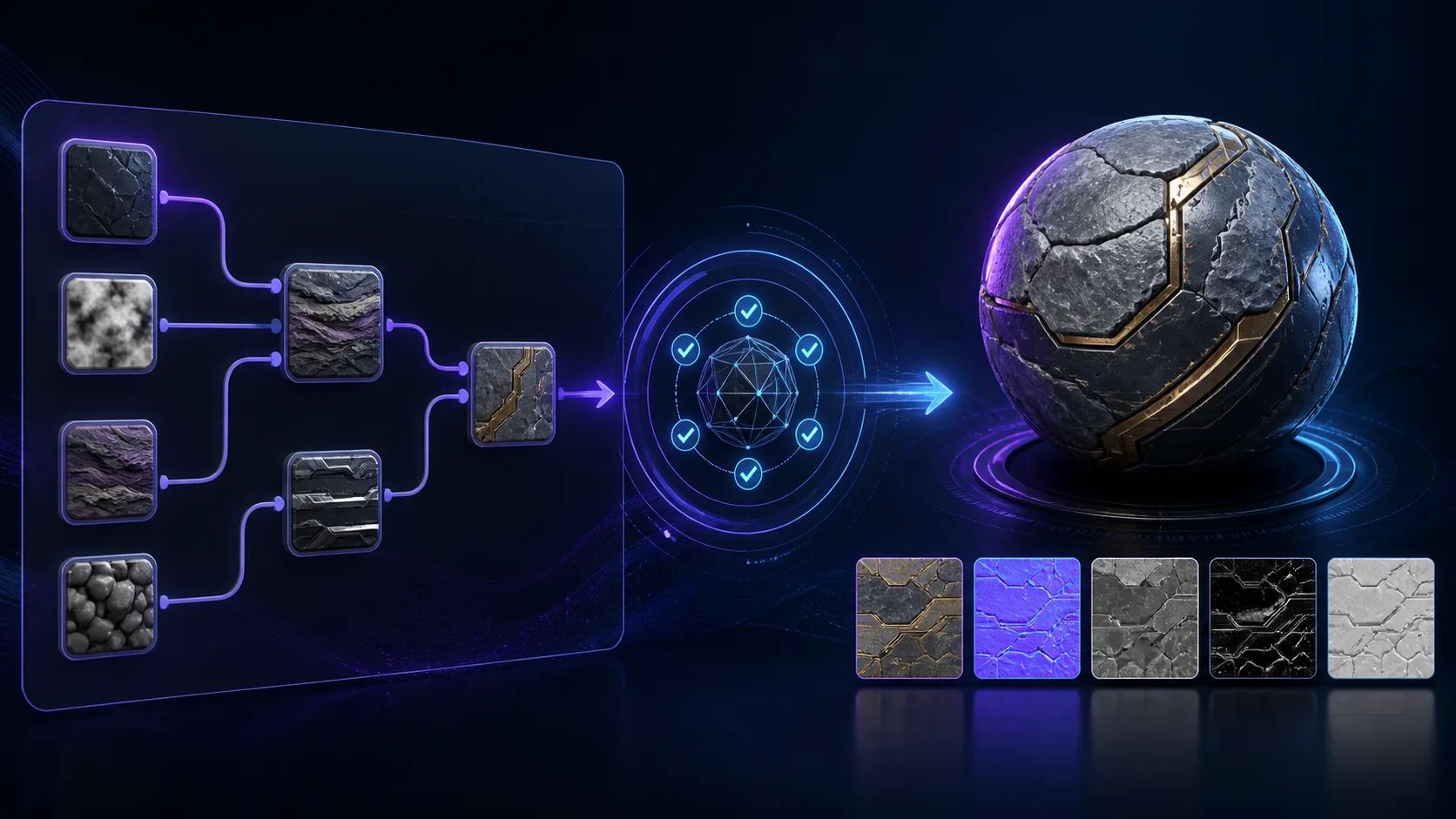
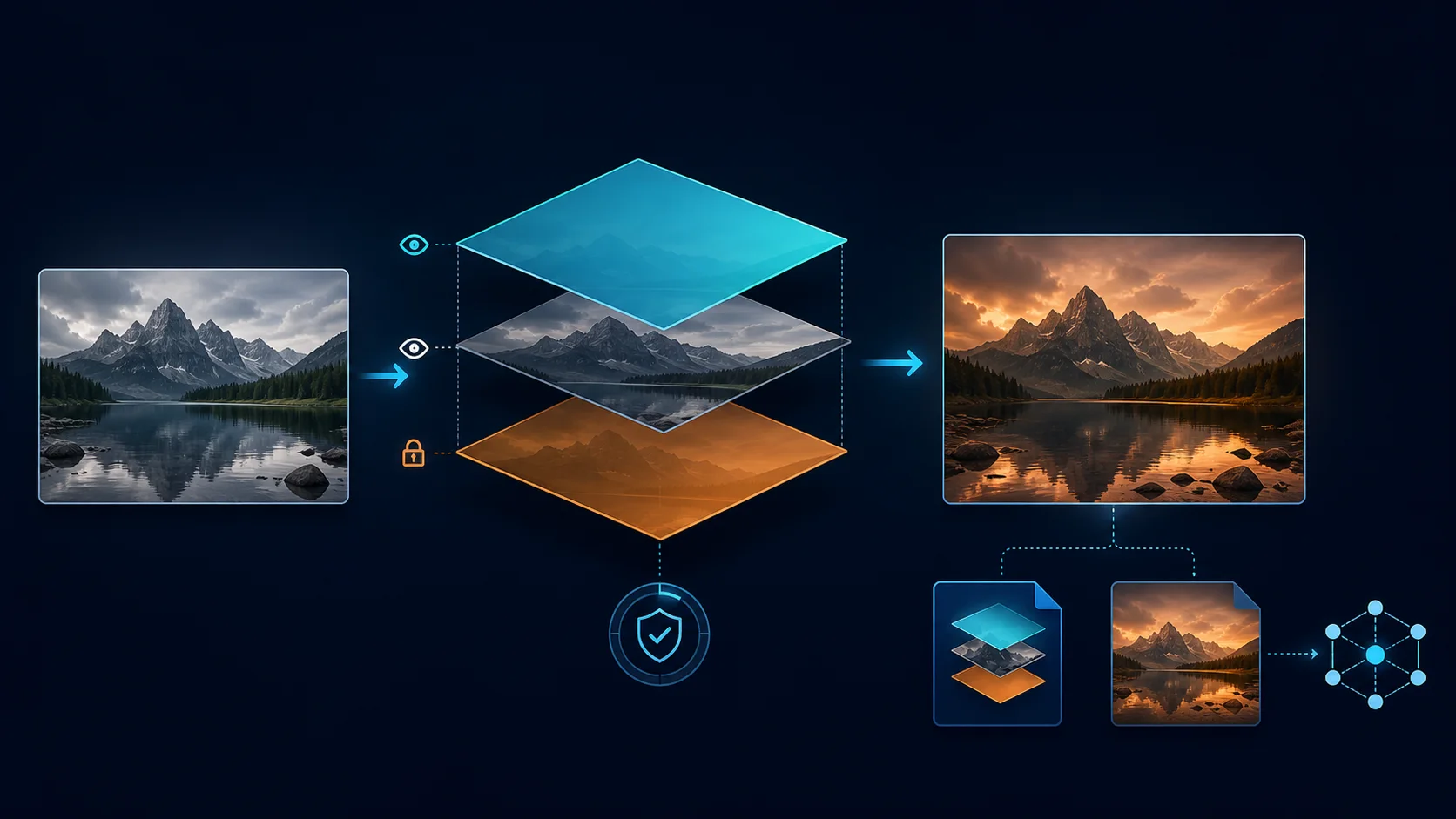
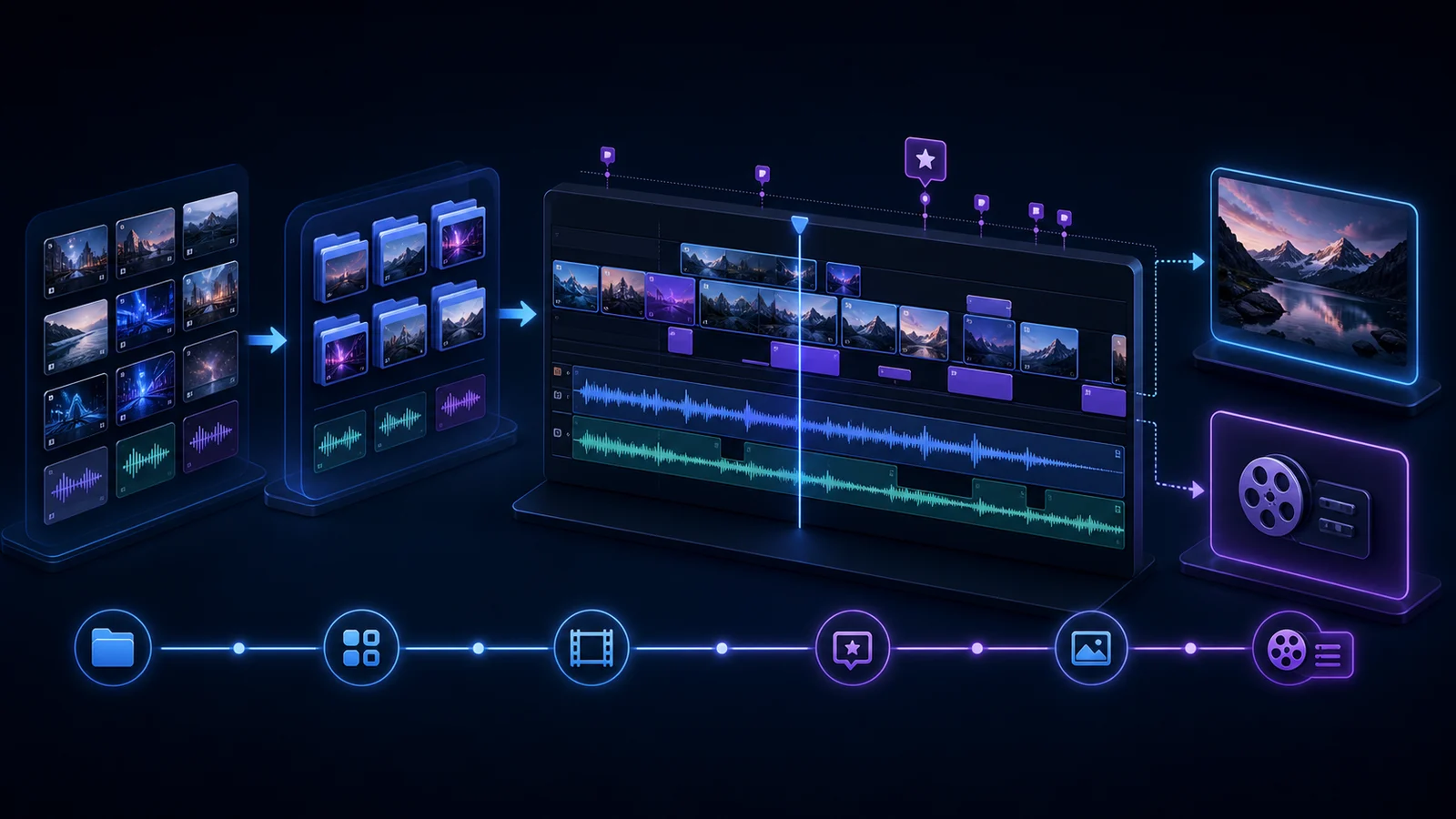
30 seconds: what DCC-MCP does

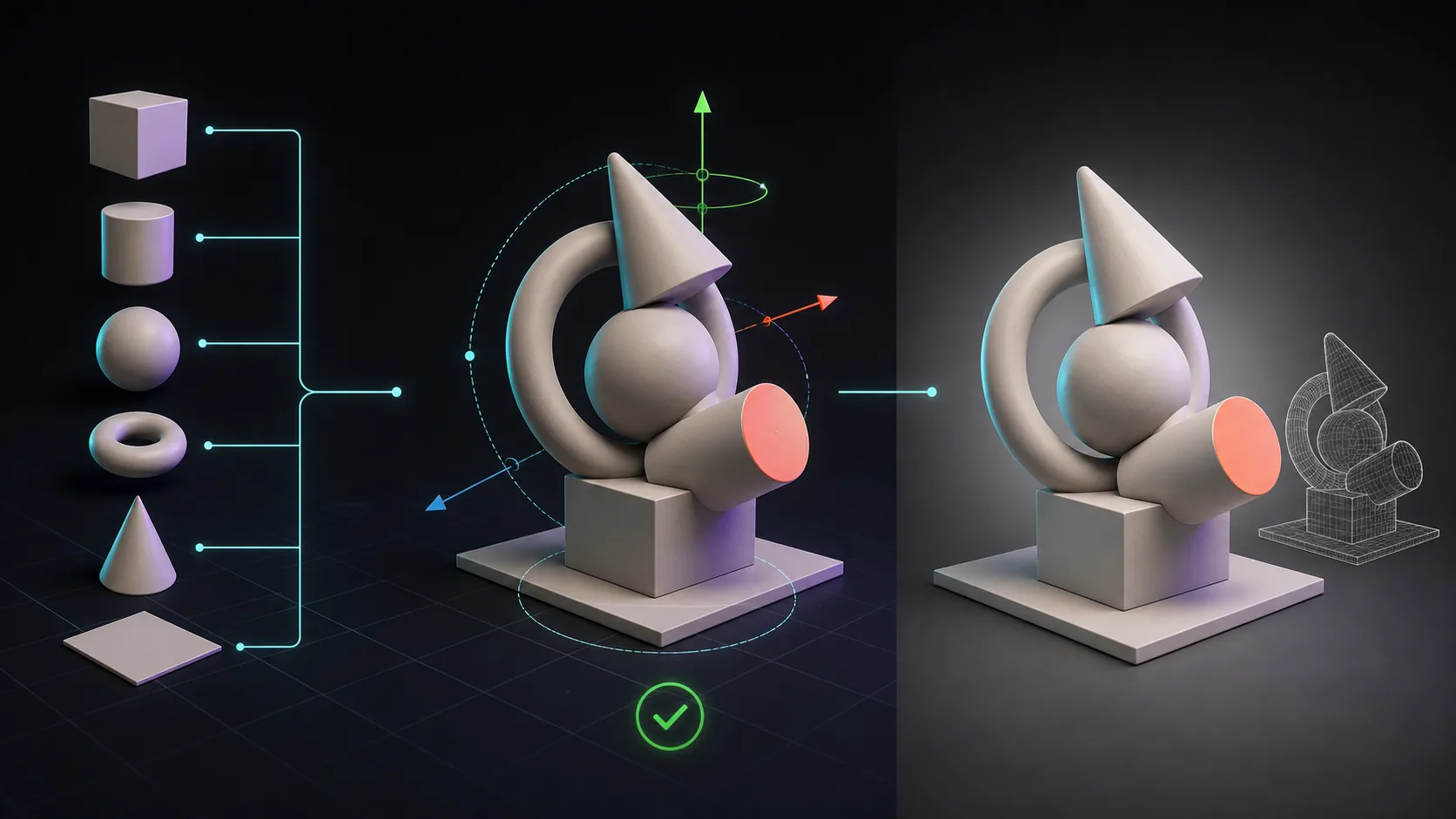
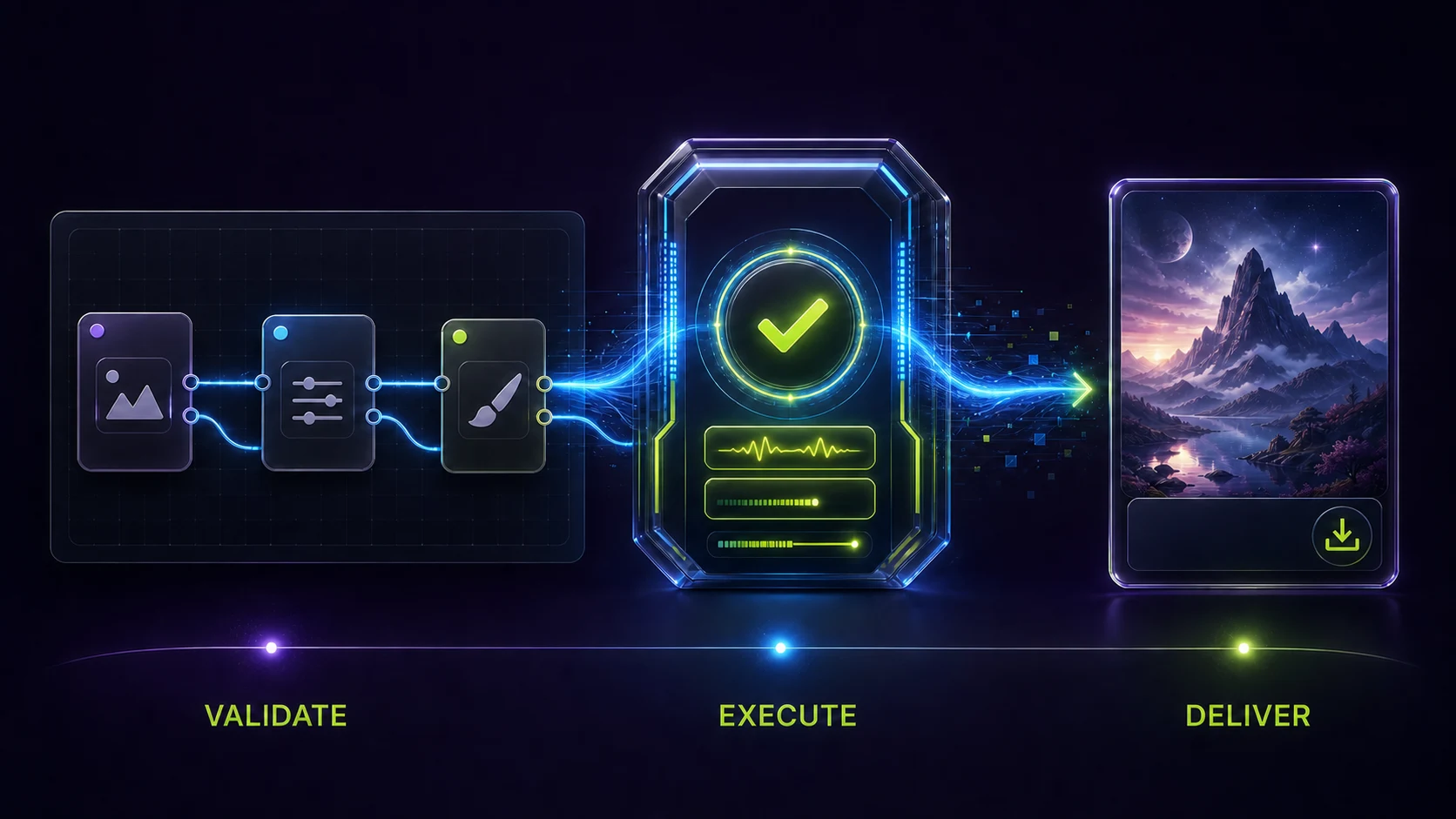
A request, a software operation, and a reusable workflow.

English male narration and captions · AI-generated workflow illustration
Read the transcript

Give this model a metal finish. Render a preview.

DCC MCP connects your AI assistant to creative software.

Skills save your workflow. MCP calls Blender's tools.

Load relevant instructions, with less repeated context.

A Rust core, permission boundaries, and audit trails support team workflows.

Find and share skills in the marketplace.

Explore DCC MCP.
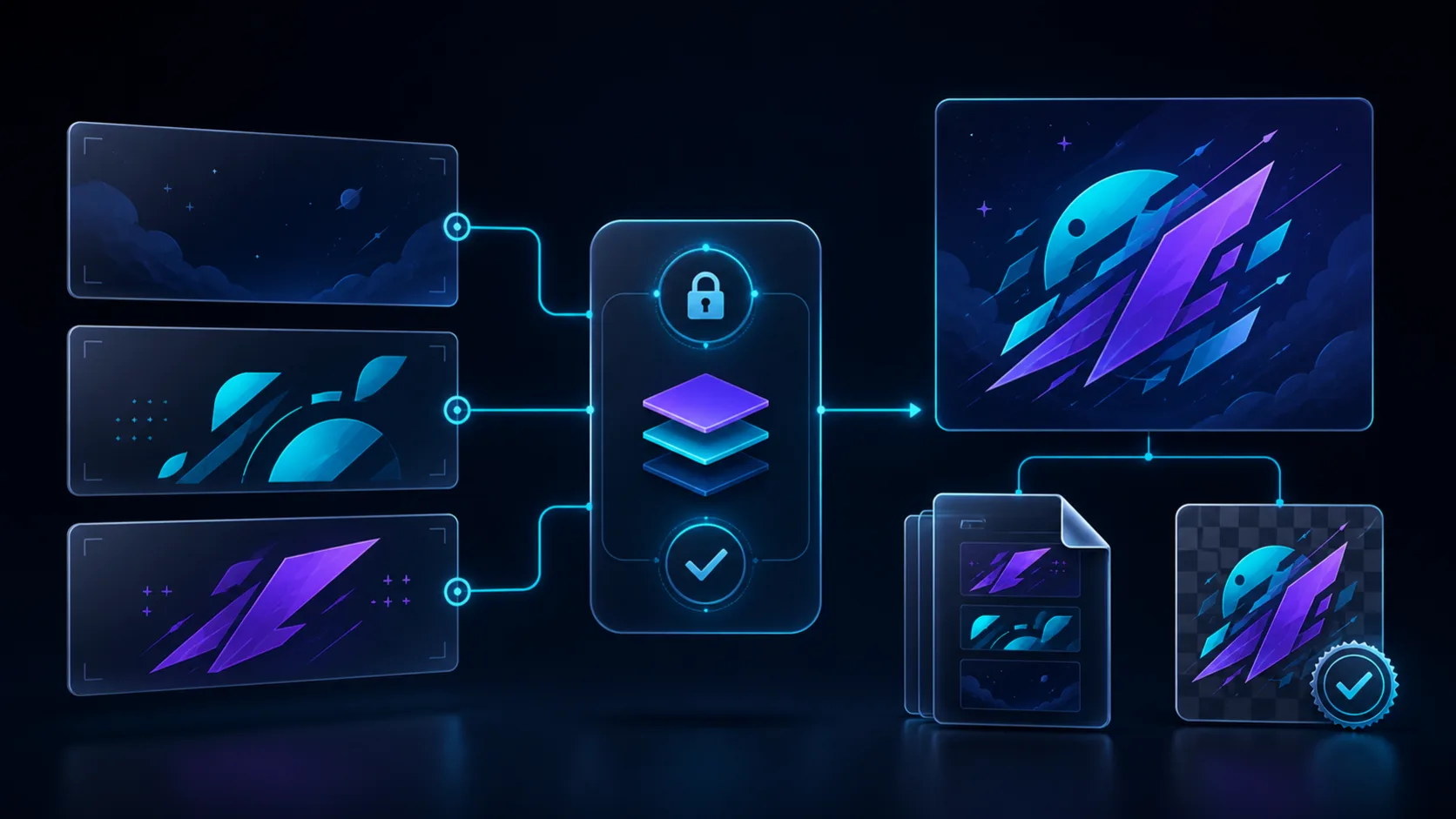
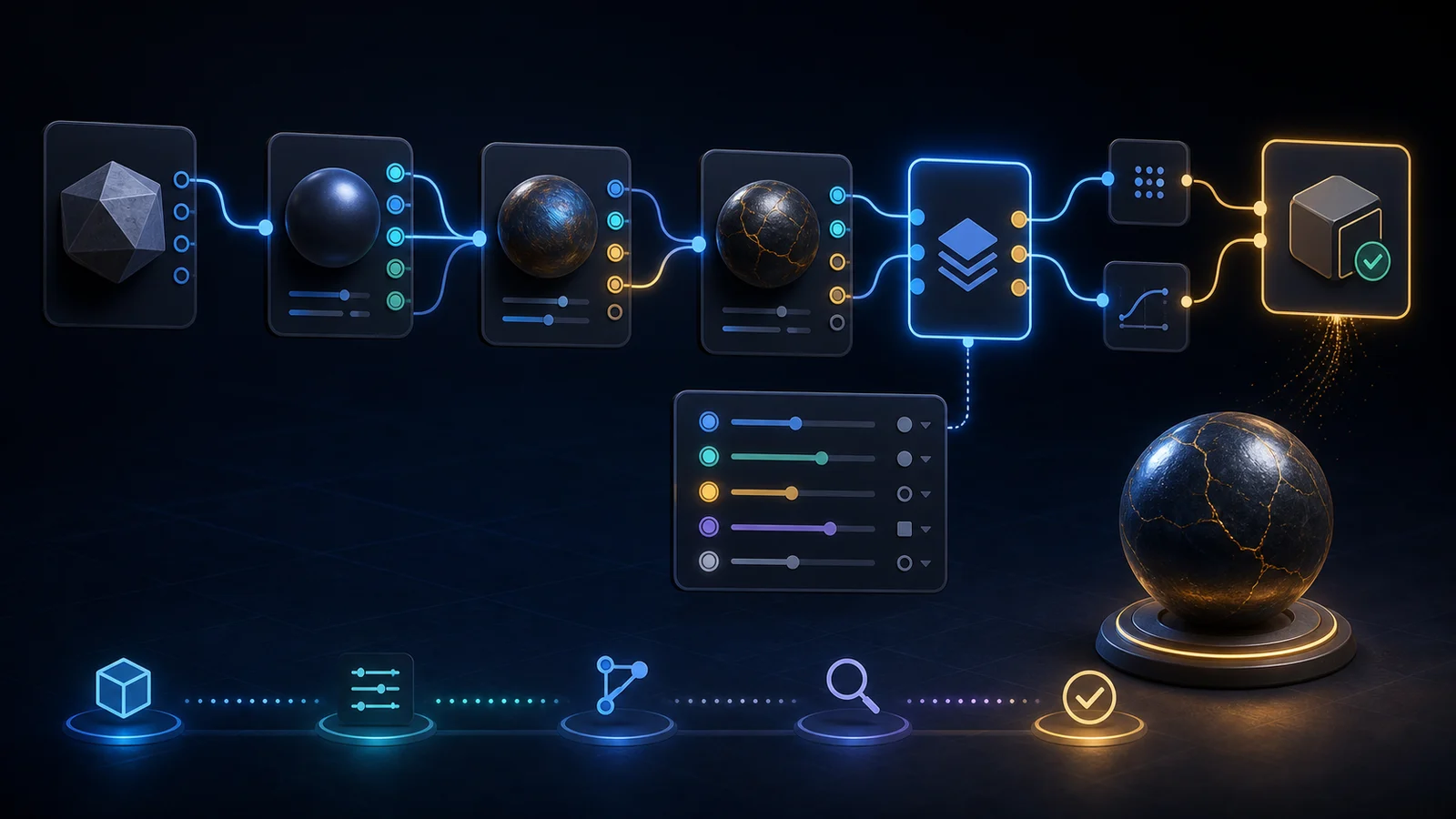
50 seconds: how the design works

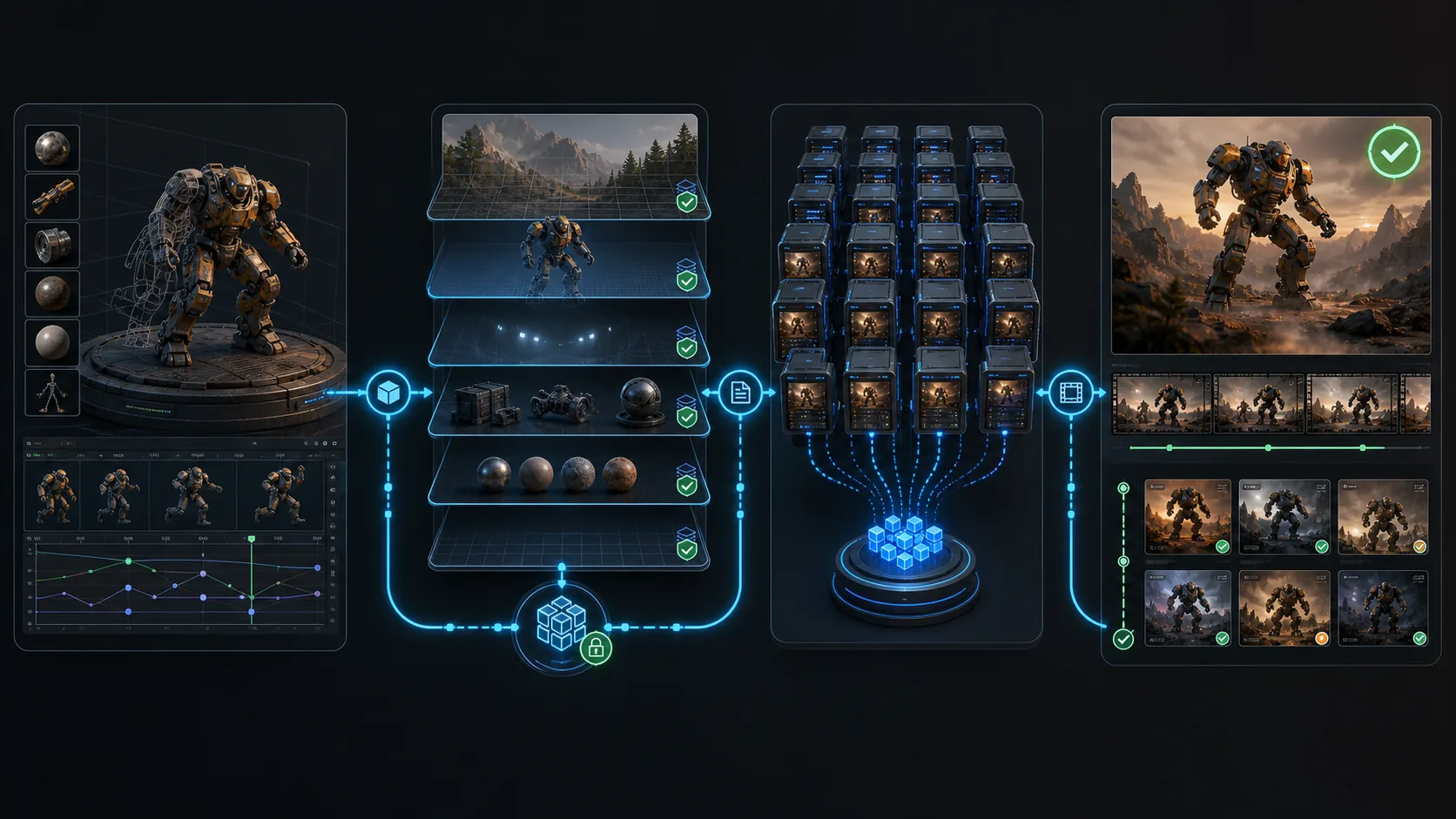
Skills + MCP, relevant instructions, Rust, permissions and team sharing.

English male narration and captions · AI-generated workflow illustration
Read the transcript

Give this model a brushed-metal finish. Light it. Render a preview.

DCC MCP lets your AI assistant operate Blender and other creative software.

A Skill packages your team's method. MCP calls the software's tools.

Save material, checking, and export steps. Reuse them on the next job.

Load the instructions you need, reducing repeated code and context.

Rust runs the routing core, avoiding interpreter overhead there. Host scripts can still use Python.

Permissions set boundaries. Audit records help trace key calls.

Find and install skills in the marketplace, then share your team's versioned workflows.

DCC MCP. Explore the marketplace.
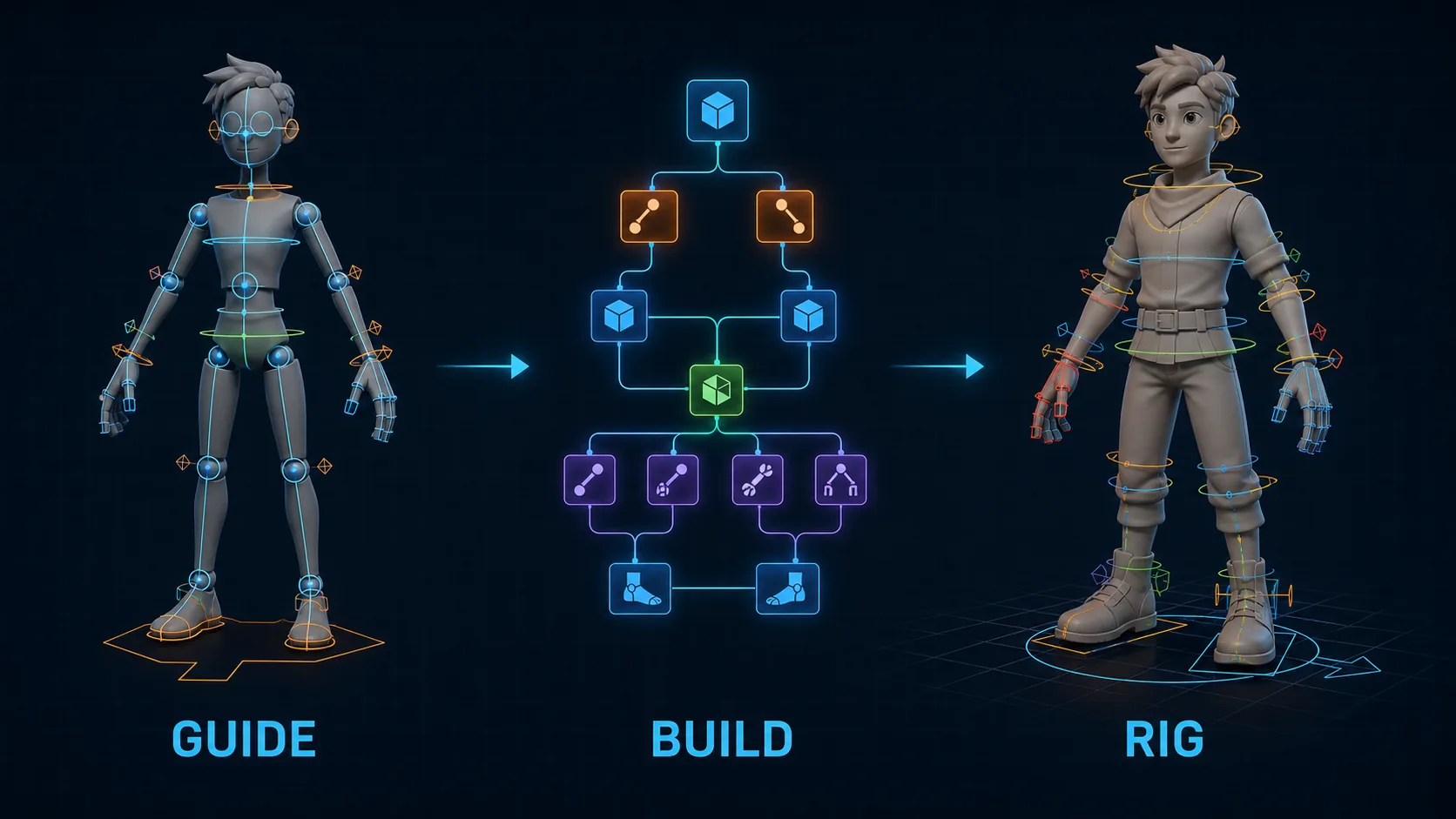
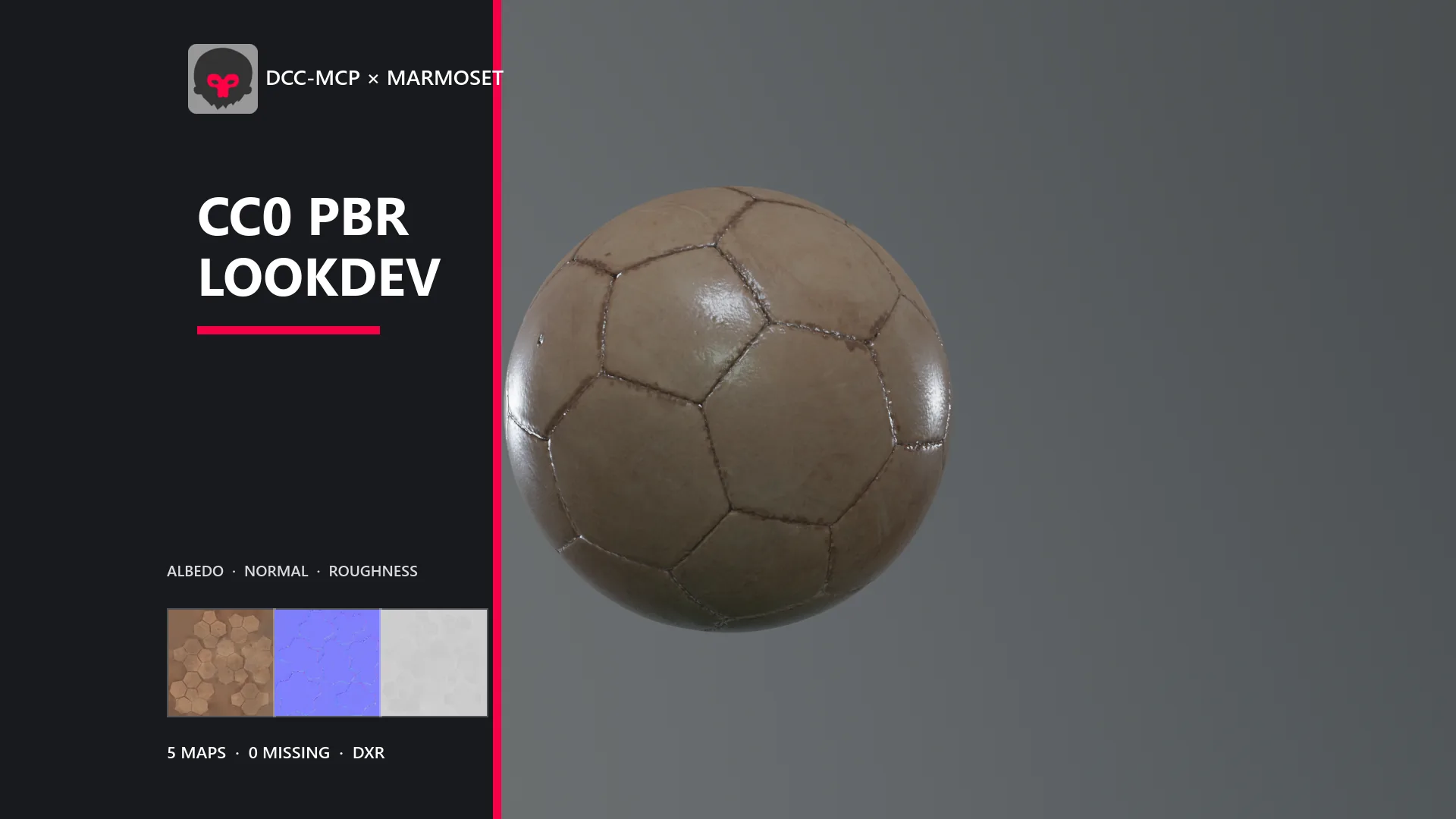
AI-generated interface reconstructions and workflow illustrations. These scenes are not live recordings or evidence of the illustrated operations being executed.

SETUP

Install once. Then describe the task.

DCC means digital content creation. Install the dcc-mcp Skill workflow guide so an AI client that supports Agent Skills can connect to and use these applications through a shared workflow.

bash
npx --yes skills@1.5.23 add dcc-mcp/dcc-mcp-agent-plugins --skill dcc-mcp
text
Use the dcc-mcp Skill to set up DCC-MCP for the creative applications on this machine. Ask before installing or changing system state, and finish with verification evidence.

Run the command from your Agent workspace; use --global for user-level installation. See all Agent hosts or choose a task →

CLOUD AGENTS

Plan a creative workflow on a cloud computer.

Inspect the available software, choose an MCP or CLI connection, and keep the project files and verification records. Compare documented platform interfaces, dated DCC tests, installation prerequisites, and deployment limits before choosing a host.

Cloud agents and DCC-MCP →

MCP + CLI

Use the same tools through MCP or the command line.

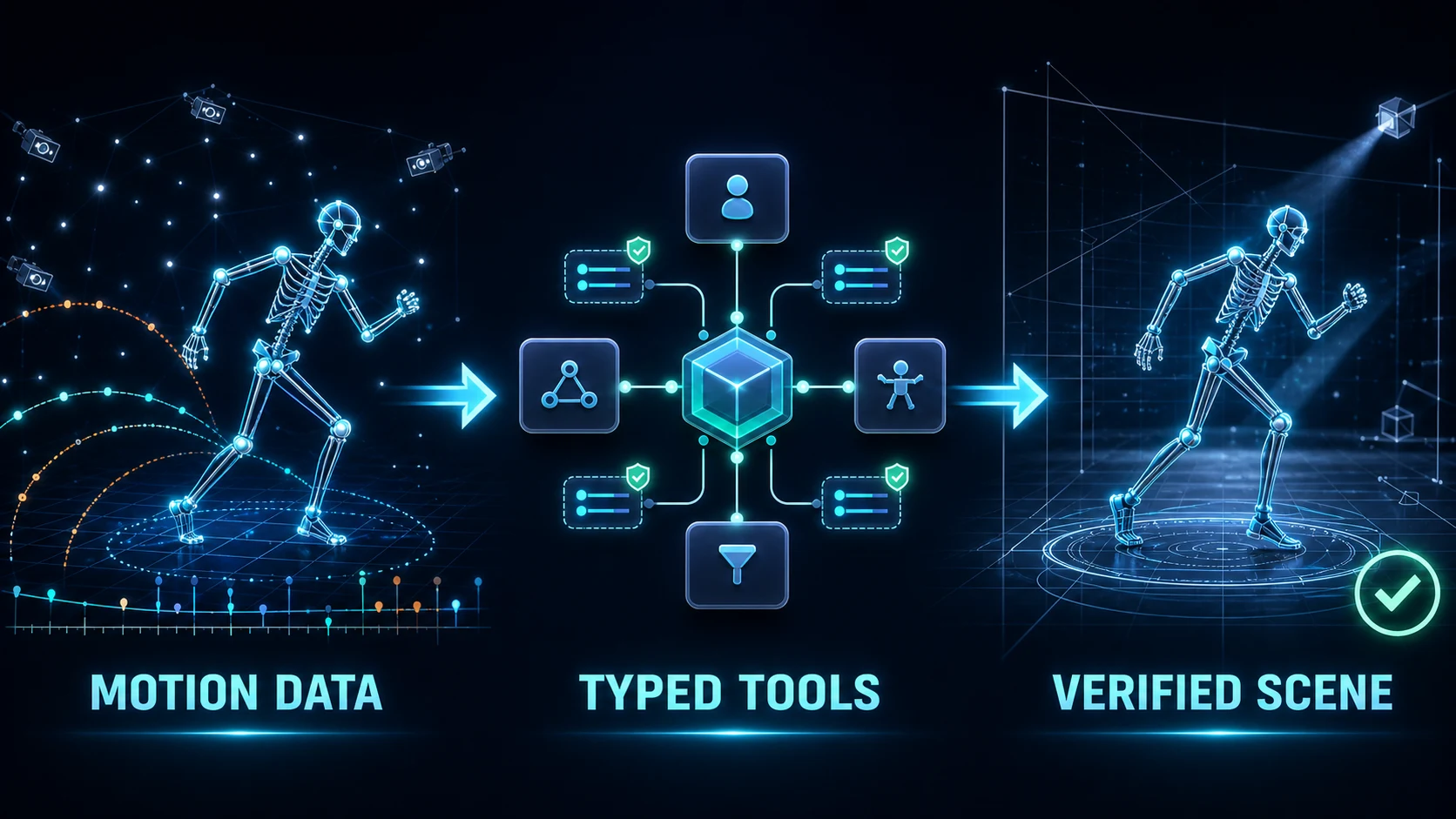
Maya MCP, 3ds Max MCP, and Blender MCP expose typed tools: each tool defines its parameters, their types, and its results so calls can be inspected and validated. MCP (Model Context Protocol) and dcc-mcp-cli use these same tools. For a Maya CLI or Blender CLI workflow, select the application by its identifier.

Maya MCP and Maya CLI · 3ds Max MCP and 3ds Max CLI · Blender MCP and Blender CLI

VENDOR-NATIVE AI

Reuse official capabilities inside one workflow.

Unreal Engine official MCP: the Unreal Skill enables and bridges Epic's official toolsets without renaming their tools or schemas.

Unity and Tuanjie AI: the Unity Skill inspects the native Codely CustomTool catalog before executing a freshly returned tool; Tuanjie still owns sign-in, credits, downloads, and task recovery.

Agent-control guides: Unity and Tuanjie AI · Unreal Engine · Godot

OFFICIAL INTEGRATIONS

38 catalog identifiers and 46 public guides.

dcc-mcp-cli 0.20.39 dcc-types lists 38 adapter-backed identifiers in the verified signed catalog: 33 have catalog installation artifacts; five do not. The 46 guides also cover Office, six independently released integrations outside this catalog, and one Marketplace Skill. Read the versioned evidence. Catalog definitions do not establish live-host or tool-execution acceptance. The opt-in autodesk-help connector is external and read-only.

See how AI controls every integration →

CAPABILITY MARKETPLACE

Find optional packages.

Search Skills, asset providers, services, and studio integrations. Showcase media is resolved from each package's pinned source revision.

Search the Marketplace →

EXAMPLES

Outputs, sources, and validation records.

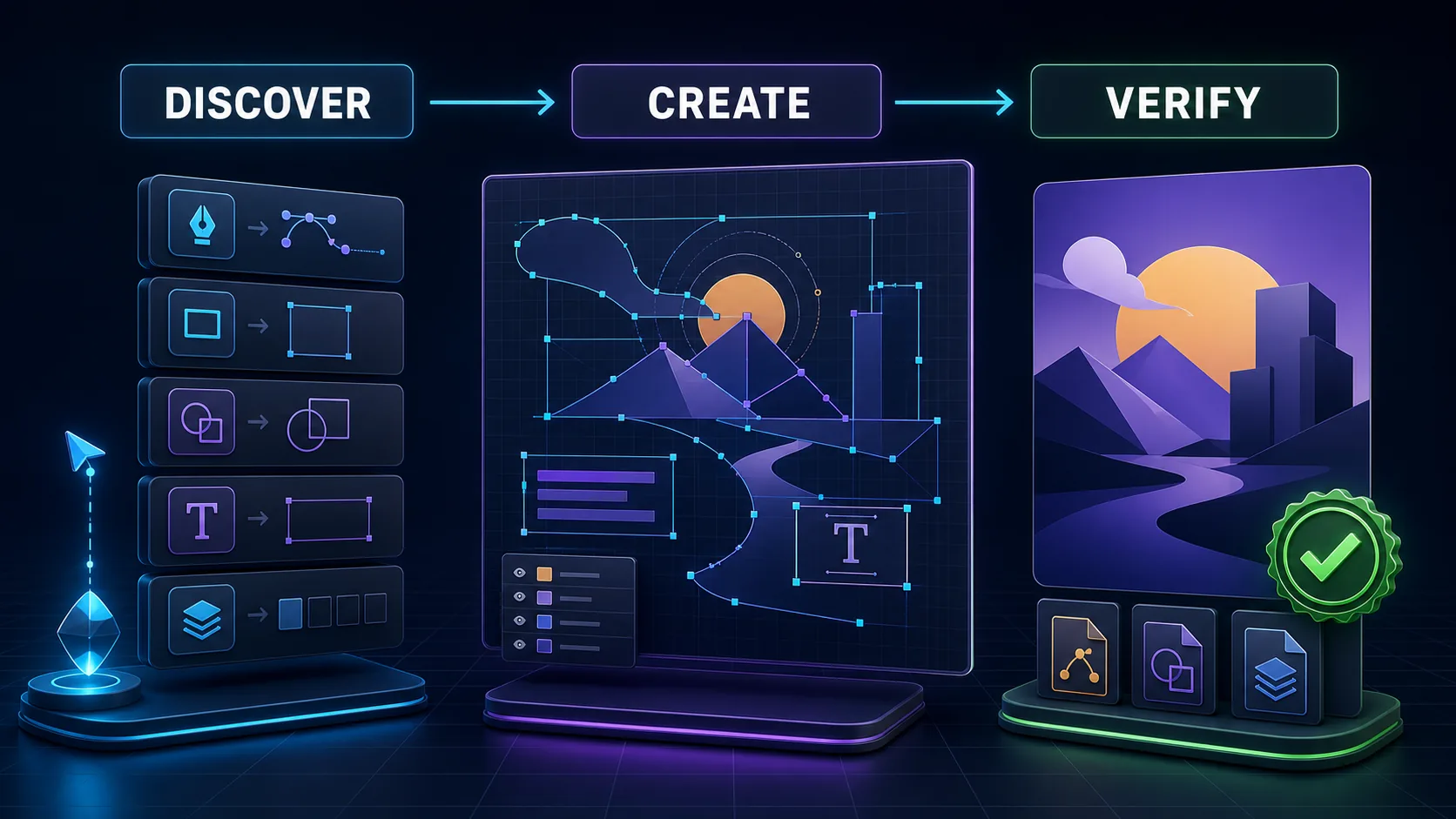
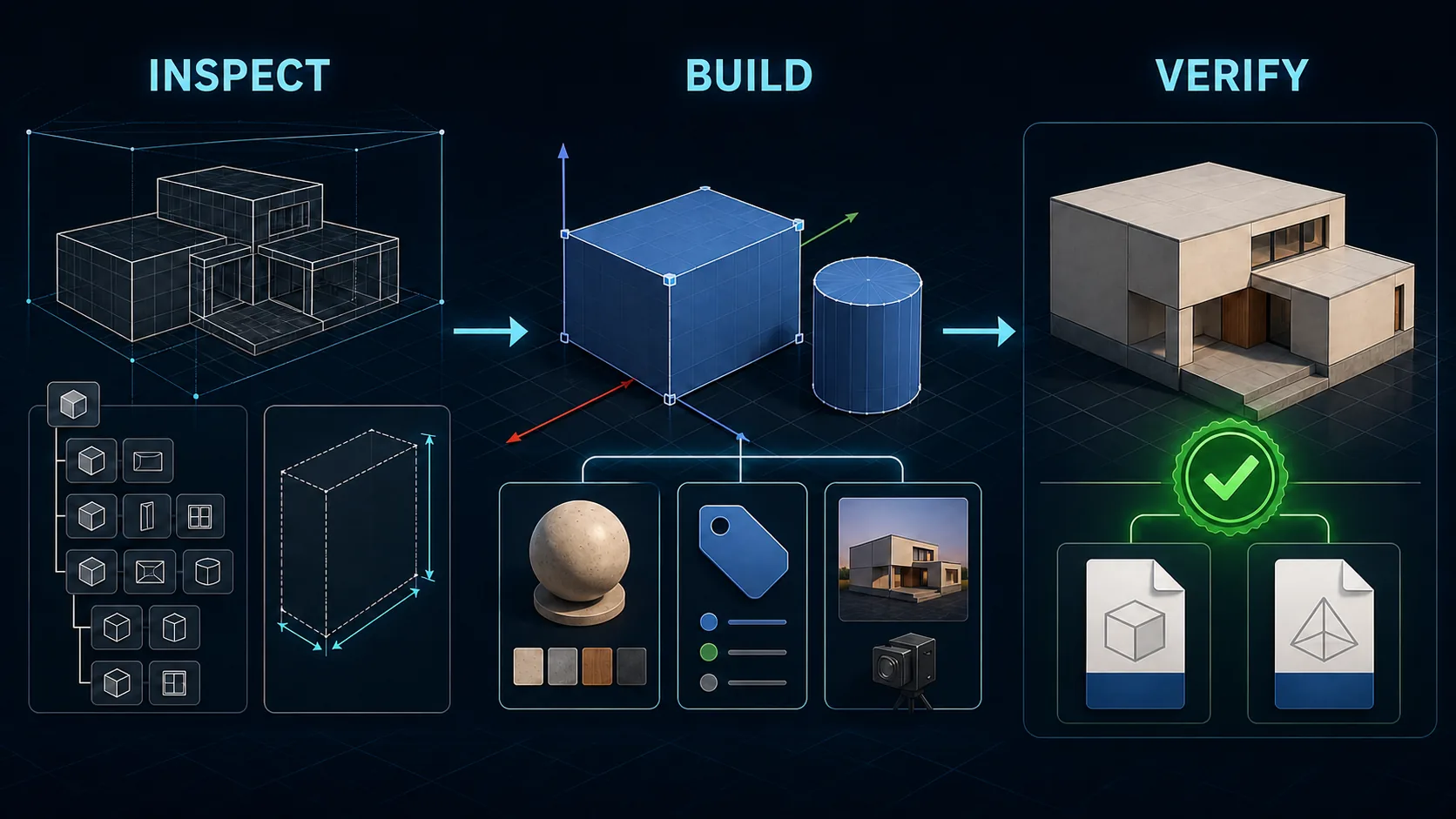
Explore modeling, material, animation, and asset workflows, with links to their tools, source projects, and verification records.

Open the Showcase collection →Browse adapter examples and prompts →

Gateway, CLI, adapters, and Skills for creative applications.